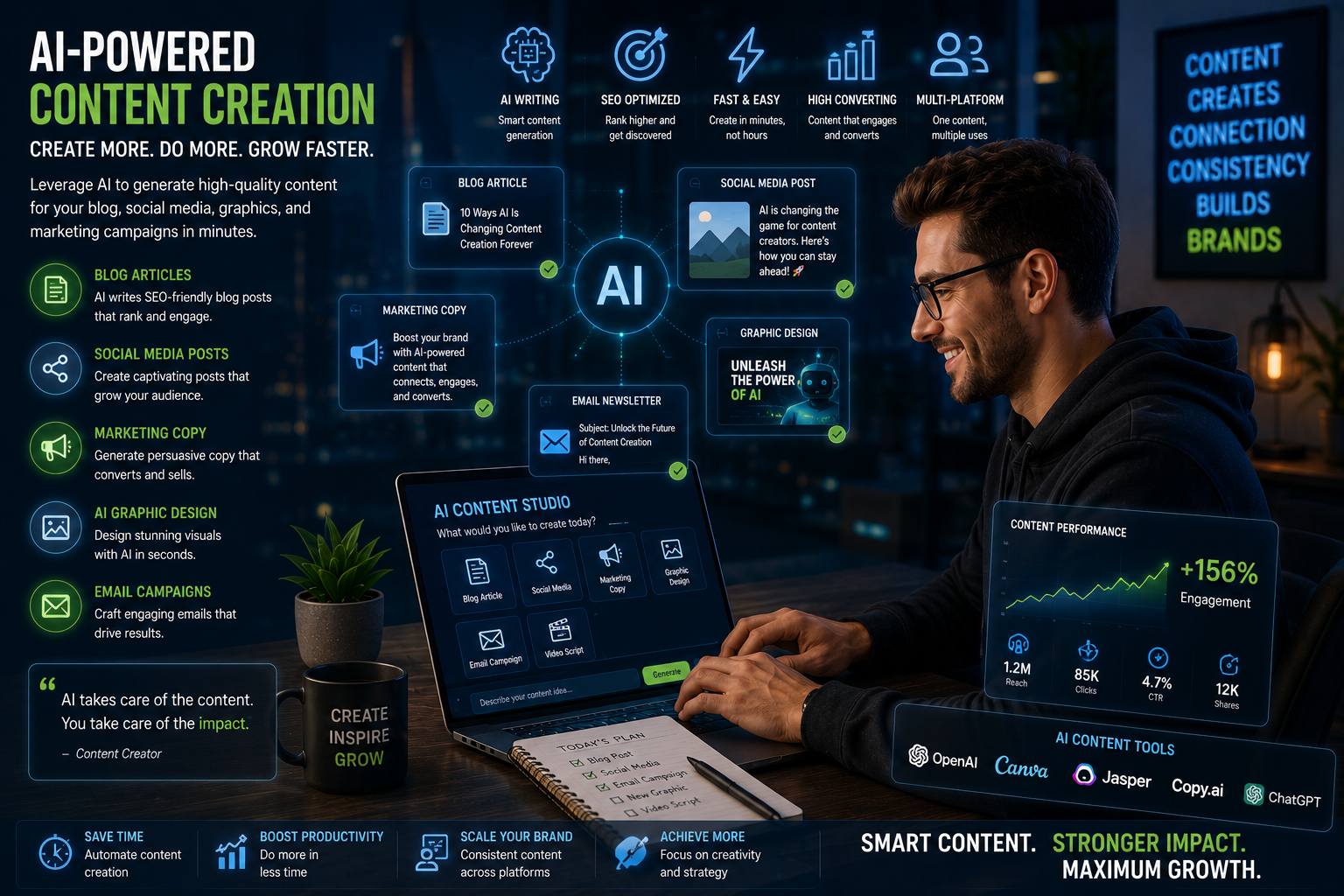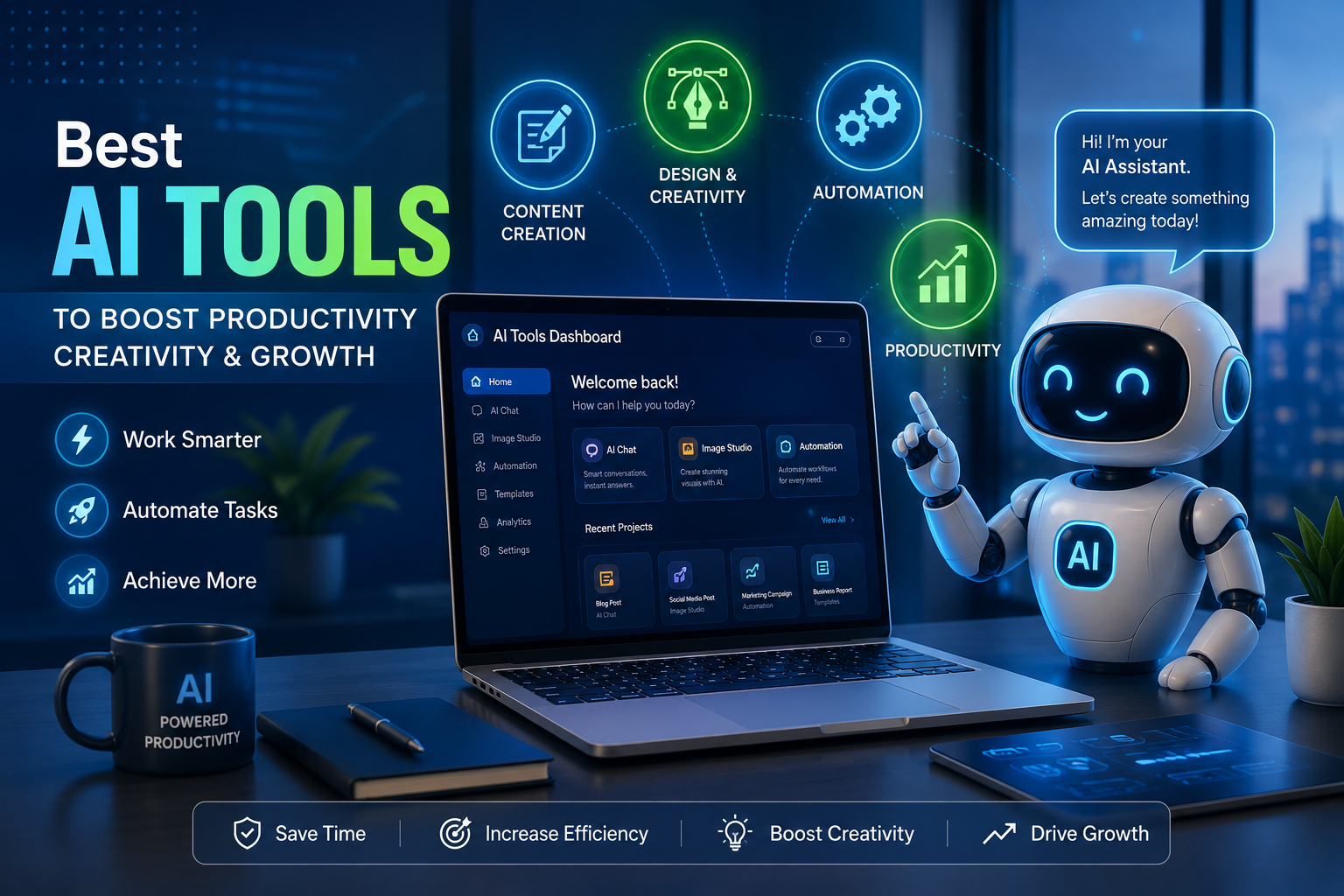
Artificial Intelligence has become one of the most powerful technologies available today. What was once reserved for large companies and tech experts is now accessible to anyone with an internet connection. Whether you are a student, entrepreneur, blogger, freelancer, or business owner, AI tools can help you work faster, save time, and improve productivity.
The best part is that many powerful AI tools offer free plans that allow beginners to start learning without spending money.
In this guide, we explore the best free AI tools for beginners in 2026 and how they can help you achieve more in less time.
Why AI Tools Matter
AI tools are transforming the way people work. Instead of spending hours on repetitive tasks, users can automate processes, generate ideas, create content, analyze information, and solve problems much faster.
Some key benefits include:
- Increased productivity
- Faster content creation
- Better decision-making
- Improved creativity
- Time savings
- Reduced workload
For beginners, AI tools provide an easy entry point into the future of digital work.
1. ChatGPT
ChatGPT remains one of the most popular AI tools in the world. It can assist users with writing, brainstorming, research, coding, learning, and problem-solving.
Best Uses:
- Writing articles
- Generating ideas
- Learning new skills
- Creating social media content
- Coding assistance
Why Beginners Love It
The interface is simple and conversational. Users simply type a question and receive detailed responses instantly.
2. Canva AI
Canva has evolved into more than a graphic design platform. Its AI features help users create stunning graphics, presentations, videos, and marketing materials quickly.
Best Uses:
- Social media graphics
- Presentations
- Marketing materials
- YouTube thumbnails
- Business branding
Why Beginners Love It
No design experience is required to create professional-looking visuals.
3. Grammarly
Grammarly uses AI to improve writing by detecting grammar mistakes, spelling errors, and readability issues.
Best Uses:
- Blog writing
- Emails
- Academic writing
- Business communication
Why Beginners Love It
It provides real-time suggestions that help users become better writers.
4. Notion AI
Notion AI combines note-taking and productivity management with artificial intelligence.
Best Uses:
- Organizing projects
- Writing summaries
- Creating content outlines
- Task management
Why Beginners Love It
It helps users stay organized while boosting productivity.
5. Perplexity AI
Perplexity AI is becoming increasingly popular as an AI-powered research assistant.
Best Uses:
- Research
- Fact-finding
- Quick summaries
- Learning new topics
Why Beginners Love It
It provides answers with sources, making research easier and more reliable.
6. Copy.ai
Copy.ai focuses on marketing and content creation.
Best Uses:
- Product descriptions
- Marketing copy
- Social media posts
- Email campaigns
Why Beginners Love It
Users can create professional marketing content within minutes.
7. Microsoft Copilot
Microsoft Copilot integrates AI directly into productivity tools.
Best Uses:
- Document creation
- Data analysis
- Presentations
- Workflow automation
Why Beginners Love It
It works seamlessly within familiar productivity environments.
How to Choose the Right AI Tool
With so many options available, beginners should start by identifying their primary goal.
For Content Creation
- ChatGPT
- Copy.ai
For Design
- Canva AI
For Writing Improvement
- Grammarly
For Research
- Perplexity AI
For Productivity
- Notion AI
- Microsoft Copilot
Starting with one or two tools allows users to learn effectively without becoming overwhelmed.
Tips for Getting the Most Out of AI Tools
Learn Prompt Writing
The quality of AI responses often depends on how questions are asked. Clear and detailed instructions usually produce better results.
Experiment Frequently
Try different tools and features to understand what works best for your needs.
Combine Multiple Tools
Many professionals use multiple AI tools together. For example, a blogger might use ChatGPT for writing, Canva for graphics, and Grammarly for editing.
Stay Updated
AI technology evolves rapidly. Keeping up with new features can provide a competitive advantage.
Common Mistakes Beginners Make
Expecting Perfect Results
AI is powerful but not perfect. Always review and edit AI-generated content.
Using Too Many Tools at Once
Focus on mastering a few tools before expanding your toolkit.
Ignoring Privacy Concerns
Avoid sharing sensitive personal or business information with AI platforms.
The Future of AI for Beginners
As AI continues to improve, more opportunities will become available for individuals and businesses. Those who learn to use AI effectively today will have a significant advantage in the future workforce.
The good news is that getting started no longer requires technical expertise. Free AI tools make it easier than ever to learn, experiment, and grow.
Artificial Intelligence is no longer a technology of the future—it is a tool for today. Whether you want to create content, improve productivity, design graphics, or conduct research, there is a free AI tool available to help.
Beginners should start with tools like ChatGPT, Canva AI, Grammarly, Notion AI, and Perplexity AI. By learning how to use these platforms effectively, you can save time, increase productivity, and prepare for a future powered by AI.
Frequently Asked Questions
What is the best free AI tool for beginners?
ChatGPT is often considered the best starting point because it is easy to use and supports a wide range of tasks.
Are free AI tools worth using?
Yes. Many free AI tools provide powerful features that are sufficient for beginners and small businesses.
Can AI help with blogging?
Absolutely. AI can assist with idea generation, content writing, editing, SEO optimization, and research.
Do I need technical skills to use AI tools?
No. Most modern AI tools are designed for everyday users and require little to no technical knowledge.
Which AI tool is best for graphic design?
Canva AI is one of the best beginner-friendly AI design platforms available today.