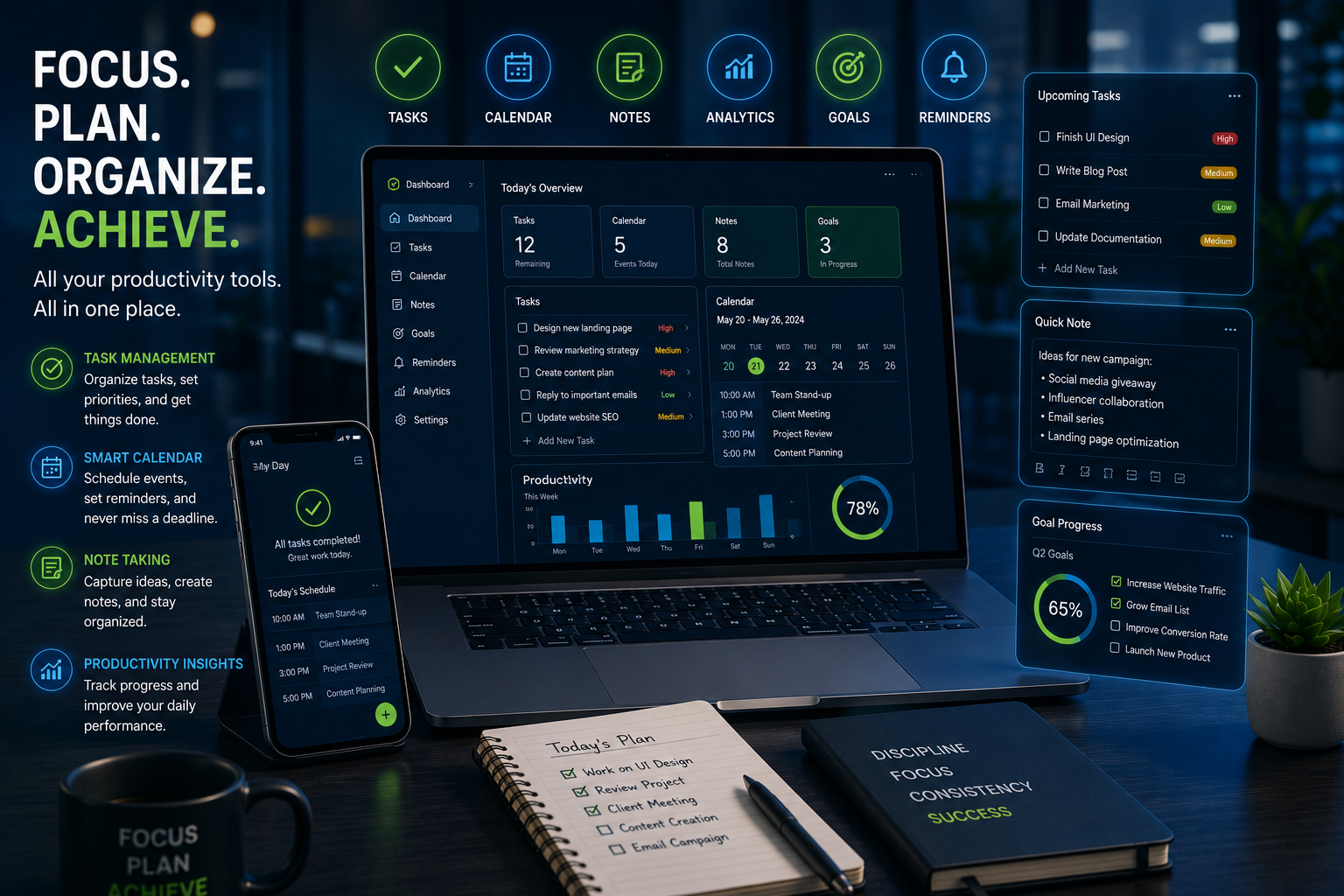
In today’s fast-paced digital world, staying productive is more important than ever. Between meetings, emails, deadlines, and personal responsibilities, it’s easy to feel overwhelmed.
Fortunately, productivity apps can help you organize tasks, manage projects, improve focus, and maximize efficiency. Whether you’re a student, entrepreneur, remote worker, or business owner, the right tools can make a significant difference in your daily performance.
In this guide, we’ll explore ten productivity apps that can transform the way you work in 2026.
Why Productivity Apps Matter
Productivity isn’t about working longer hours.
It’s about:
- Managing time effectively
- Reducing distractions
- Completing important tasks
- Maintaining work-life balance
- Achieving goals faster
The right productivity tools can help simplify workflows and eliminate unnecessary stress.
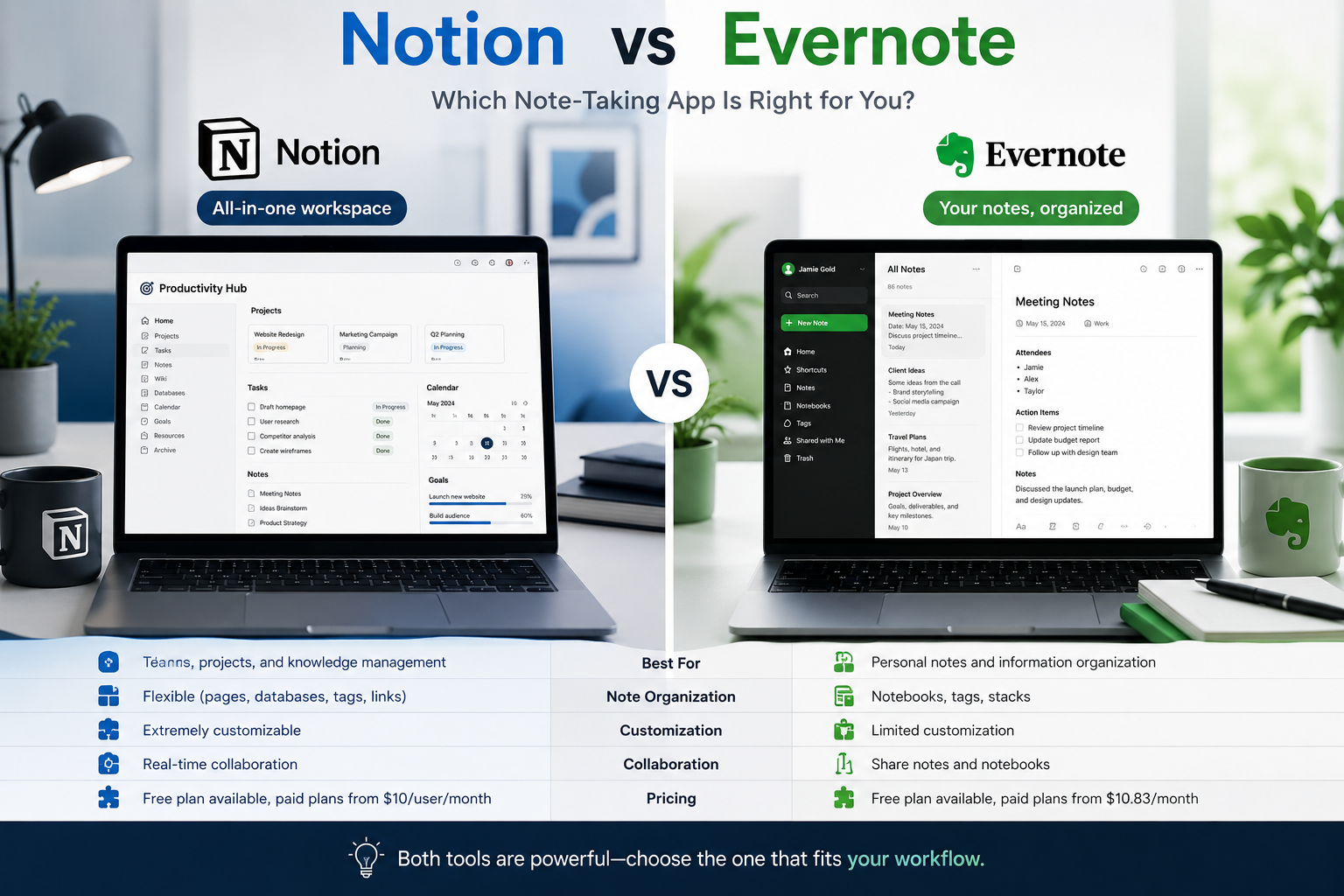
1. Notion
Notion continues to be one of the most versatile productivity platforms available.
Features
- Note-taking
- Task management
- Project planning
- Team collaboration
- Knowledge management
Why People Love It
Notion combines multiple tools into one workspace, reducing the need for several separate applications.
2. Trello
Trello uses visual boards to help users organize projects and tasks.
Features
- Kanban boards
- Task tracking
- Team collaboration
- Workflow management
Best For
Freelancers, teams, and project managers.
3. Todoist
Todoist is designed for people who want a simple yet powerful task manager.
Features
- Daily task planning
- Priority management
- Project organization
- Productivity tracking
Best For
Individuals looking for a clean and easy-to-use productivity system.
4. Google Calendar
Time management starts with proper scheduling.
Features
- Event scheduling
- Reminders
- Shared calendars
- Meeting management
Best For
Anyone who wants to organize their day effectively.
5. Microsoft OneNote
OneNote is a powerful note-taking application.
Features
- Digital notebooks
- Multimedia notes
- Cross-device syncing
- Organization tools
Best For
Students, professionals, and researchers.
6. Evernote
Evernote remains a popular choice for capturing and organizing information.
Features
- Note storage
- Web clipping
- Document scanning
- Task management
Best For
Knowledge workers and content creators.
7. ClickUp
ClickUp combines project management and productivity tools into one platform.
Features
- Task management
- Time tracking
- Team collaboration
- Goal tracking
Best For
Businesses and growing teams.
8. Forest
Forest helps users stay focused by reducing smartphone distractions.
How It Works
When you start a focus session, a virtual tree grows. Leaving the app before the session ends causes the tree to die.
Best For
People struggling with digital distractions.
9. RescueTime
RescueTime automatically tracks how you spend your time online.
Features
- Activity tracking
- Productivity reports
- Focus sessions
- Goal setting
Best For
People who want to understand and improve their habits.
10. Slack
Communication plays a major role in productivity.
Features
- Team messaging
- File sharing
- Workflow automation
- Integrations
Best For
Remote teams and businesses.
How to Choose the Right Productivity App
Not every app is suitable for everyone.
Consider:
Your Goals
What problem are you trying to solve?
Your Workflow
Choose tools that fit naturally into your routine.
Ease of Use
Complicated systems often lead to abandonment.
Integration
The best apps work well with your existing tools.
Productivity Tips Beyond Apps
Apps are helpful, but habits matter too.
Plan Your Day
Start each morning with a clear task list.
Prioritize Important Tasks
Focus on high-impact activities first.
Limit Distractions
Turn off unnecessary notifications.
Take Breaks
Short breaks improve long-term productivity.
Review Progress
Track accomplishments and identify areas for improvement.
Common Productivity Mistakes
Using Too Many Apps
Too many tools can create confusion instead of efficiency.
Multitasking
Switching between tasks often reduces overall productivity.
Lack of Planning
Without clear priorities, productivity suffers.
Ignoring Time Management
Even the best apps cannot compensate for poor scheduling.
Future Trends in Productivity
Productivity tools continue to evolve.
Emerging trends include:
- AI-powered assistants
- Automated scheduling
- Smart workflow optimization
- Personalized productivity recommendations
- Voice-controlled task management
These innovations will continue helping people work smarter rather than harder.
Productivity apps can significantly improve the way you work, organize tasks, and achieve goals. Whether you need a task manager, note-taking system, scheduling tool, or collaboration platform, there are excellent options available.
The key is selecting tools that match your needs and using them consistently. Combined with strong productivity habits, these apps can help you accomplish more while reducing stress.
Frequently Asked Questions
What is the best productivity app in 2026?
Notion remains one of the most versatile productivity platforms available today.
Are productivity apps worth using?
Yes. They help users stay organized, manage time effectively, and improve efficiency.
Which productivity app is best for students?
Notion, OneNote, and Todoist are excellent options for students.
Can productivity apps improve work performance?
Absolutely. When used consistently, they can help streamline workflows and improve focus.
Should I use multiple productivity apps?
It’s usually better to use a small number of well-integrated tools rather than too many separate apps.